CheckInDuck
Little habits. Every day.
Choose an app, set a daily goal, and let your usage count toward a check-in. Gentle reminders and a calendar help you keep going.
Download on the App StoreOne small goal. A little more often.
Read a little, practise a language, or make time for an app you want to use regularly. CheckInDuck helps you turn that intention into a daily task, with a deadline and a usage goal you choose.
When your selected app reaches the configured daily usage threshold, the task is checked off automatically. You can also check in manually when needed. Spend less time keeping track, and more time on the habit itself.
Make it your own
- Authorize and choose. Enable Apple’s Screen Time / Family Controls access to use automatic check-ins, then select the app for your task. Enable notifications if you want reminders.
- Set a small goal. Give the task a name, choose a daily deadline and repeat rule, and set the usage threshold in minutes.
- See how it’s going. Review today’s tasks, check your calendar, and keep a note about the day.
Automatic check-ins reflect app usage time. They do not verify what you read, learn, or complete inside another app.
A few helpful nudges
- Today’s dashboard brings your tasks together and lets you filter them by status.
- Deadline reminders help you remember a task before it is due, when notifications are enabled.
- Calendar records and notes let you look back at completed, pending, and missed days.
- Home Screen widgets show today’s habit status without opening the app.
More space for your routines
An optional Premium upgrade unlocks unlimited tasks, full history beyond the free window, and custom reminder lead times. Purchase and restore flows use Apple’s App Store services. Check the in-app purchase screen for the options, price, and terms presented to you.
Your permissions, your choice
You choose which apps count toward a task. CheckInDuck uses Apple’s Screen Time APIs to evaluate usage thresholds after your authorization; it does not read messages, typed text, taps, or screen content inside those apps.
You can change your tasks or revoke authorization when you want to stop monitoring. Read the Privacy Policy for the data and permission details, or visit Support if you need a hand.
A closer look
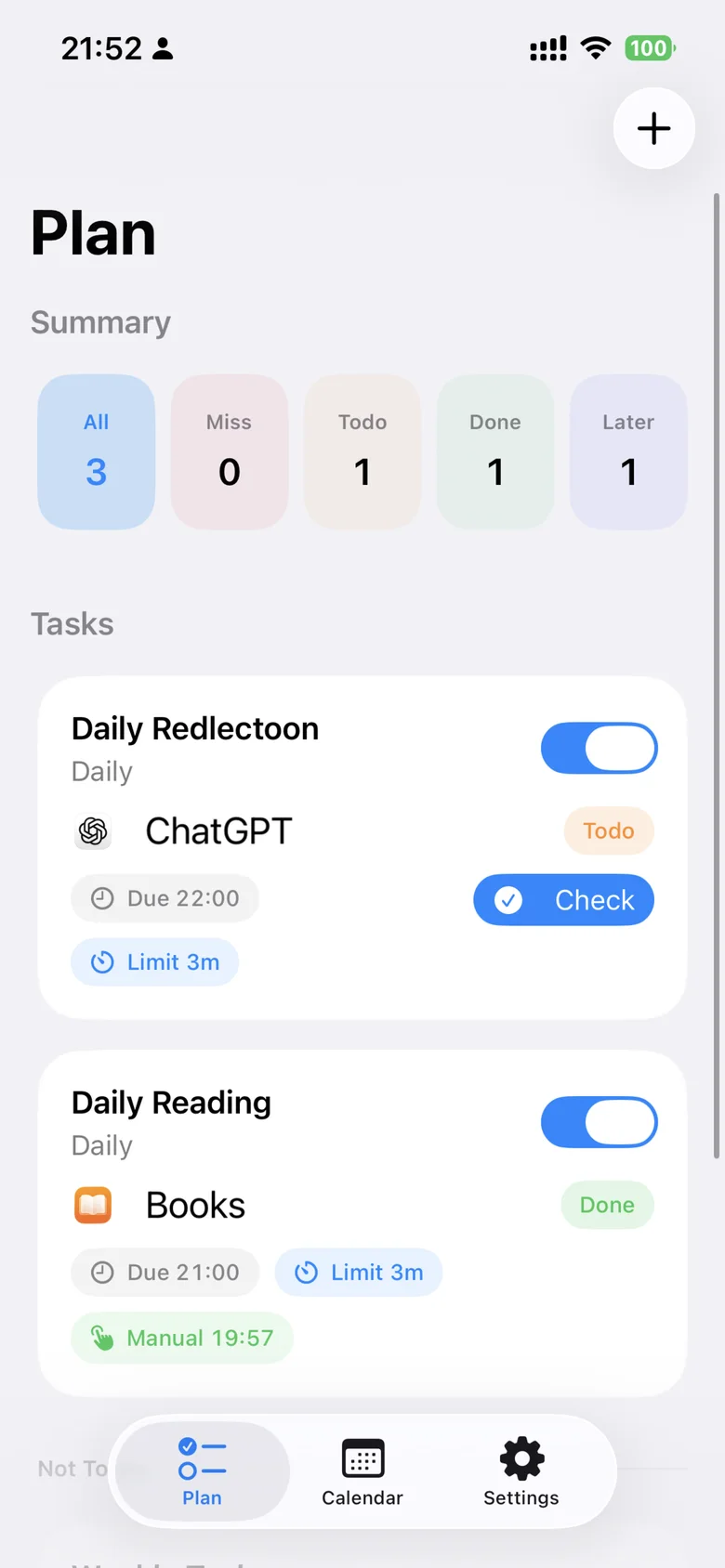
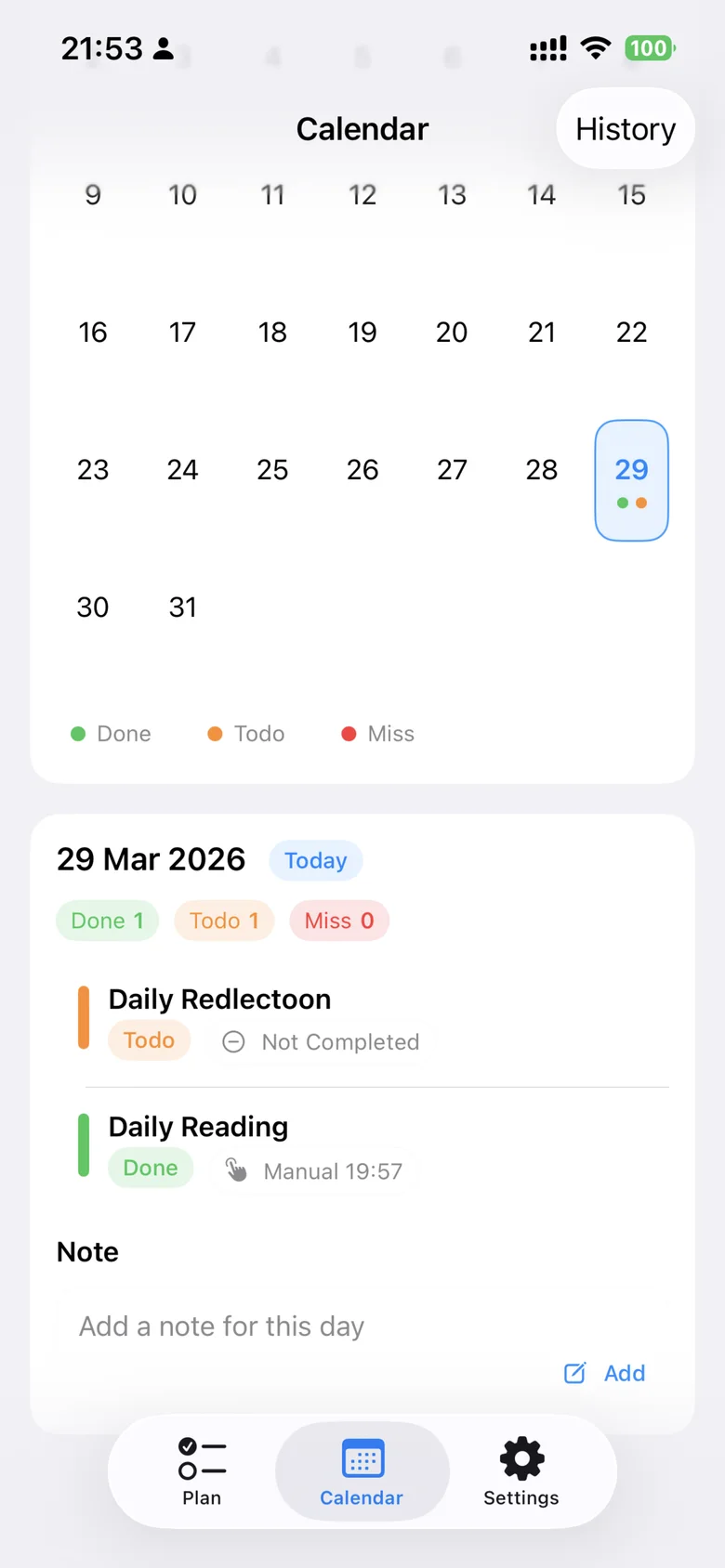
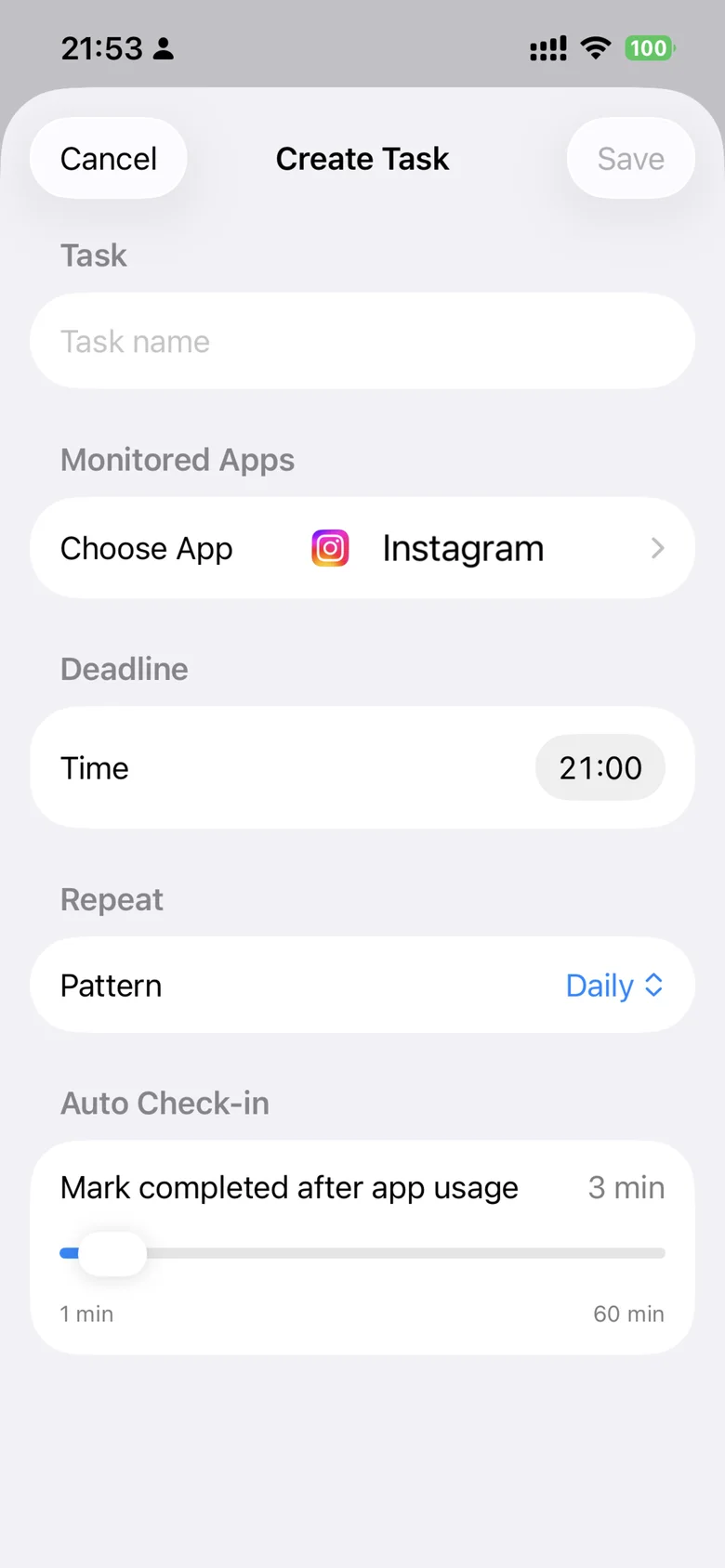
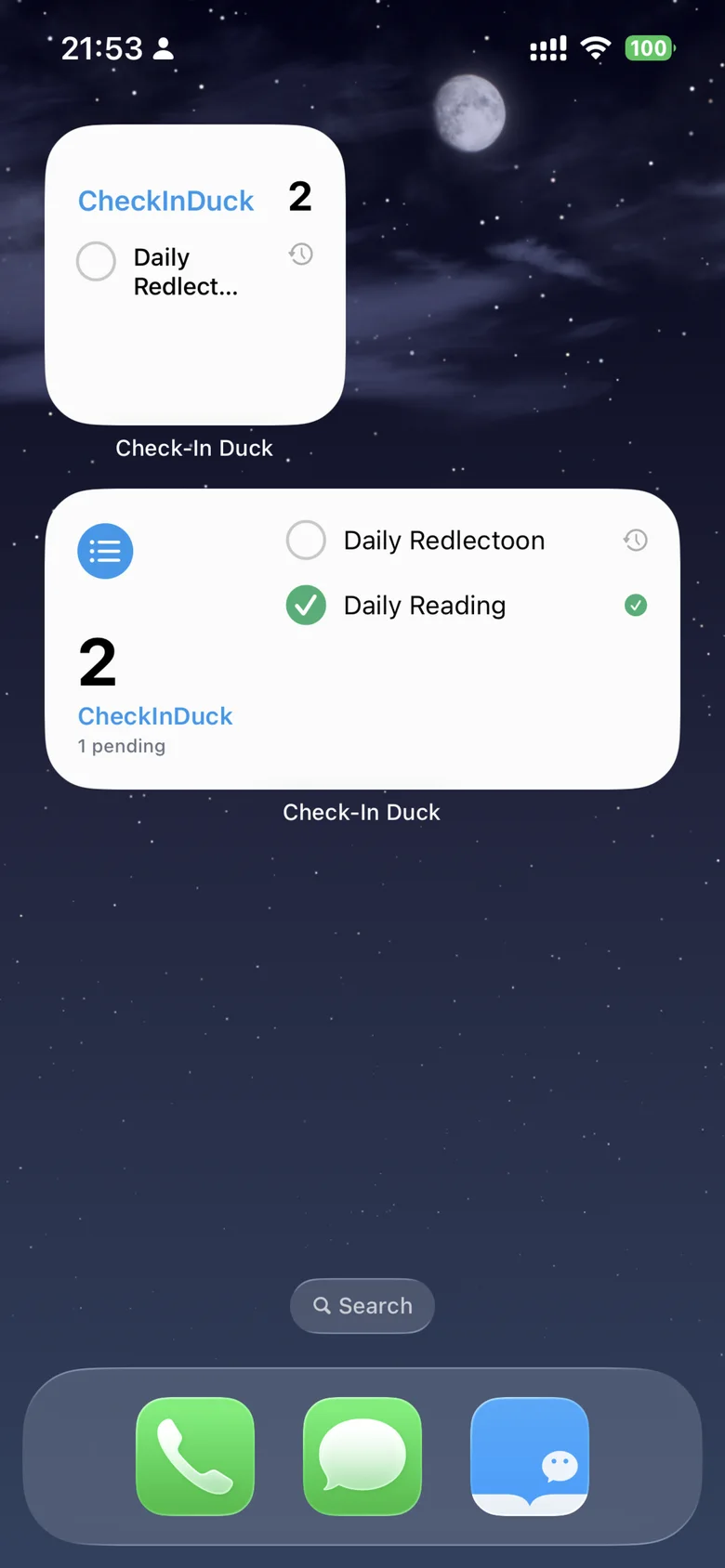
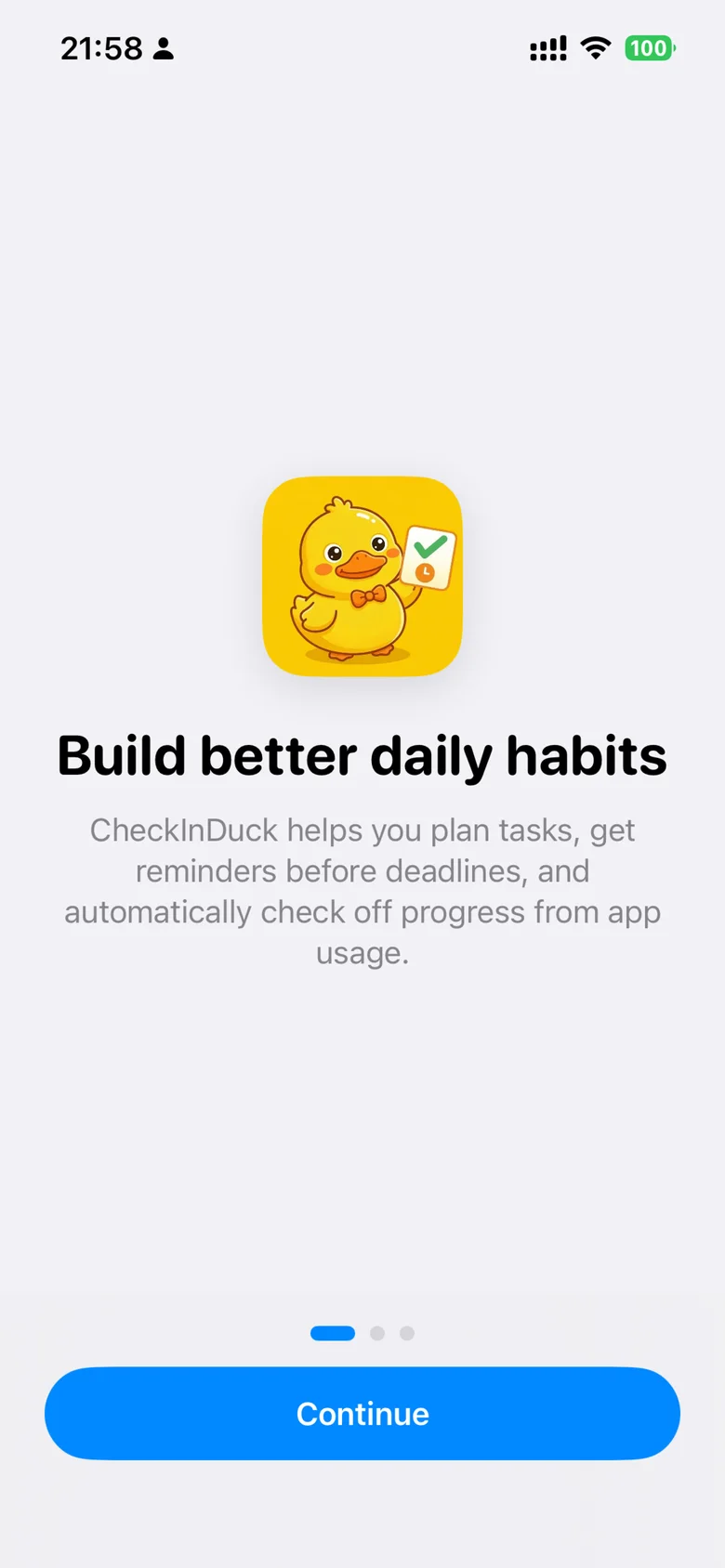
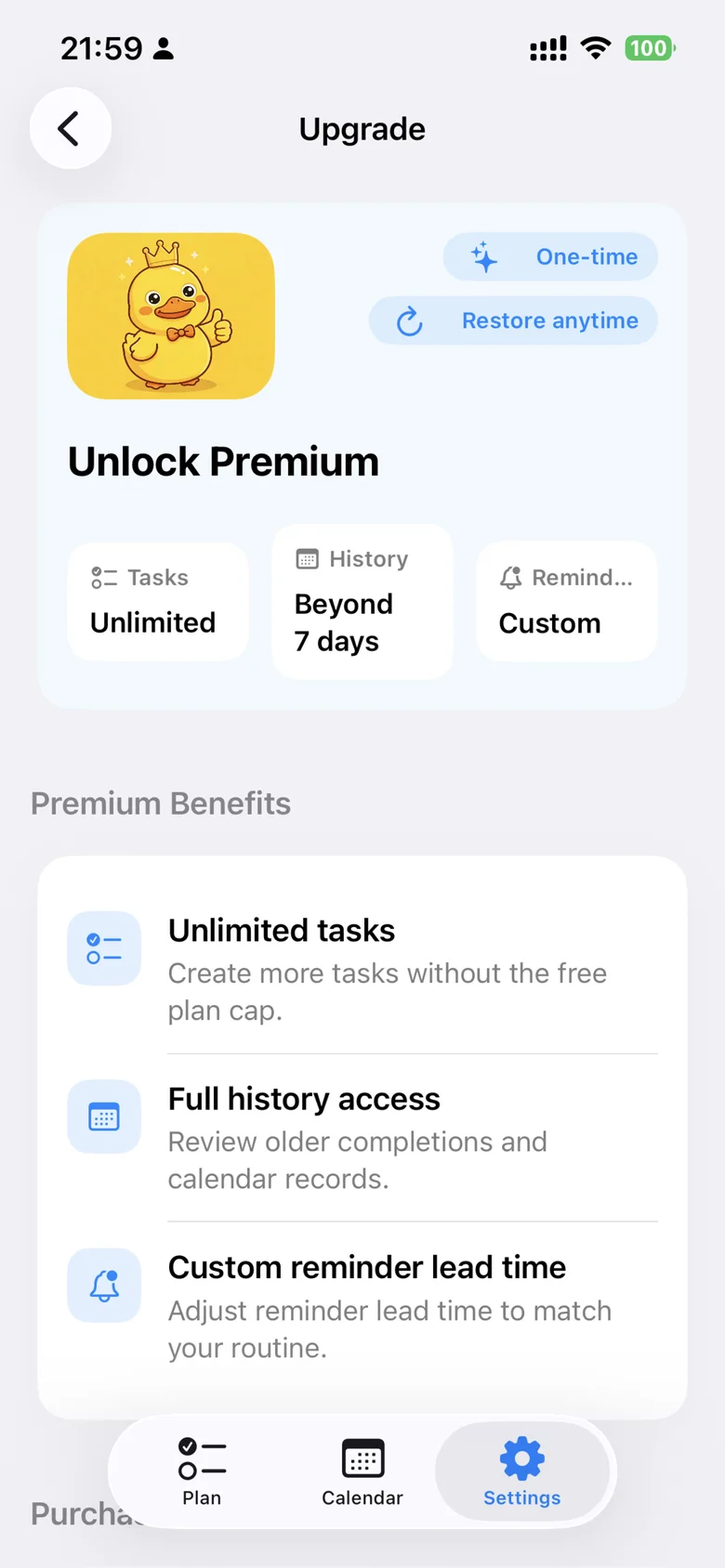
Original in-app screenshots from CheckInDuck, shown in English.
A little help, when you need it.
Read how your data is handled, or find answers and get in touch.